


Hardware Wallet vs Browser Wallet – Which One Should You Choose?

Hardware Wallets – What They Are and How They Work
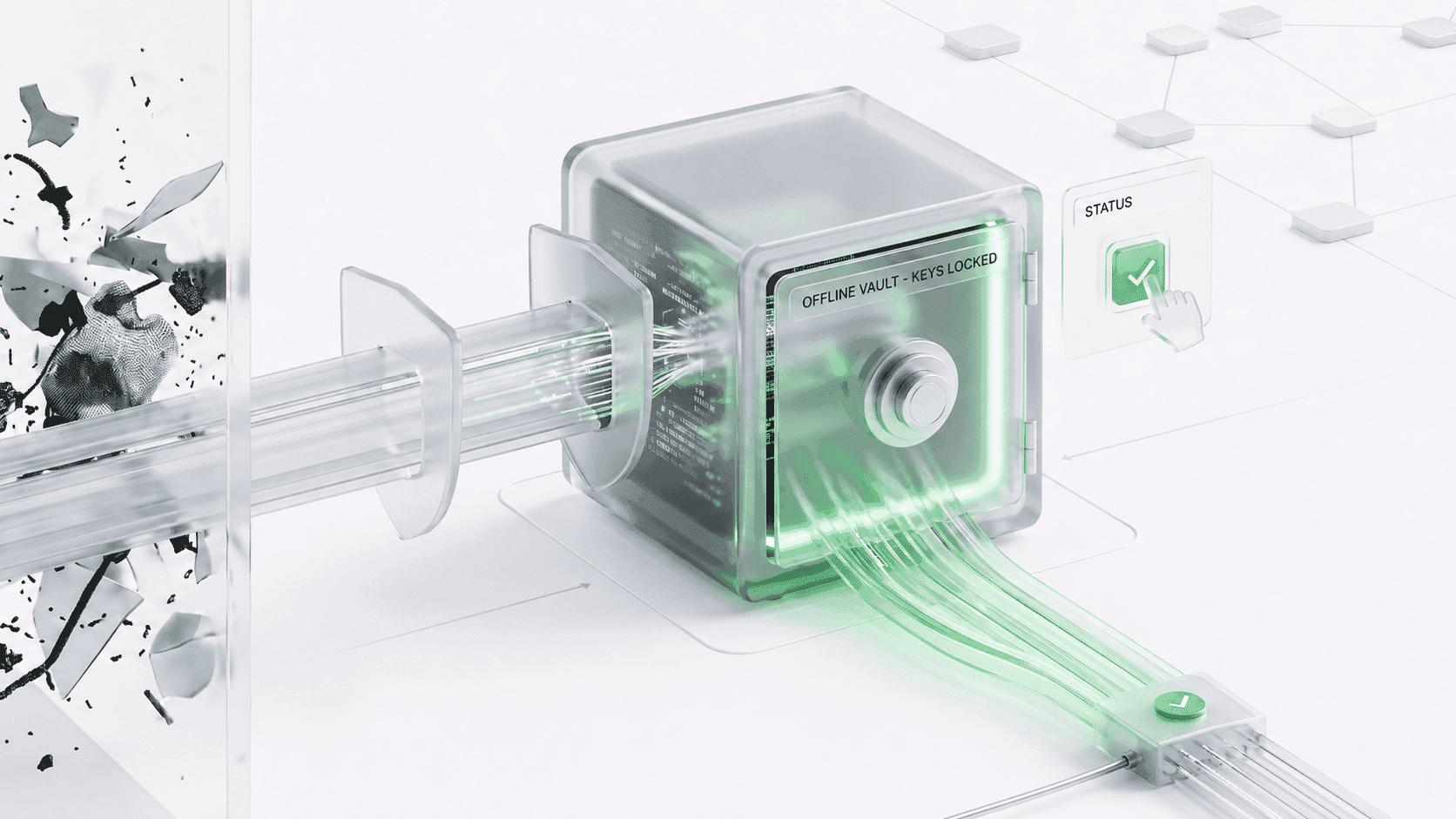
A hardware wallet is a physical device that stores your private keys offline. It looks like a USB stick and connects to your computer or phone only when you need to sign a transaction. The keys never leave the device, which makes it one of the safest ways to store cryptocurrency.
Wallet hardware is built with security as the primary focus. Even if your computer is compromised, your keys remain protected. Popular examples include Ledger and Trezor. The Ledger Nano X crypto hardware wallet is widely used for its Bluetooth connectivity, while Trezor offers secure alternatives with comparable features.
Bitcoin hardware wallet devices are also available for those who primarily hold BTC. These devices support multiple cryptocurrencies, making them versatile for portfolio management.
How Hardware Wallet Transactions Work
When you want to send funds, the hardware wallet signs the transaction internally. The signed transaction is then sent to the connected device (computer or phone) for broadcasting to the network. Your private key never leaves the hardware device, so even if your computer has malware, the attacker cannot access your keys. If your hardware wallet breaks, you can recover your funds using your seed phrase on a new device – the seed phrase is the real backup.
Popular Hardware Wallet Brands
The market offers several trusted brands. Ledger is one of the most popular, with models like the Ledger Nano X and Ledger Nano S. Trezor offers the Trezor Safe 3, Trezor Safe 5. Both brands support a wide range of cryptocurrencies and provide robust security features. The best crypto hardware wallet depends on your specific needs — some prioritise Bluetooth, others favour a larger screen or more coin support.
A hardware wallet is like a safe for your crypto — it keeps your keys offline and out of reach of hackers.
Browser Wallets – What They Are and How They Work
A browser wallet is a software extension or application that runs inside your web browser. It stores your private keys in encrypted form on your device and allows you to interact with decentralised applications directly.
Trust wallet browser extension is one example, though Trust Wallet is primarily a mobile wallet with a browser extension option. Other popular choices include the Phantom wallet browser extension for Solana, as well as extensions for Sui Network and multi‑chain support across networks like Ethereum and Bitcoin.
Browser-based solutions are convenient because they integrate with dApps. You can connect to a decentralised exchange, swap tokens, or mint an NFT in seconds without switching devices. Browser extensions for managing crypto are generally free and easy to install. They are ideal for users who frequently interact with Web3 applications.
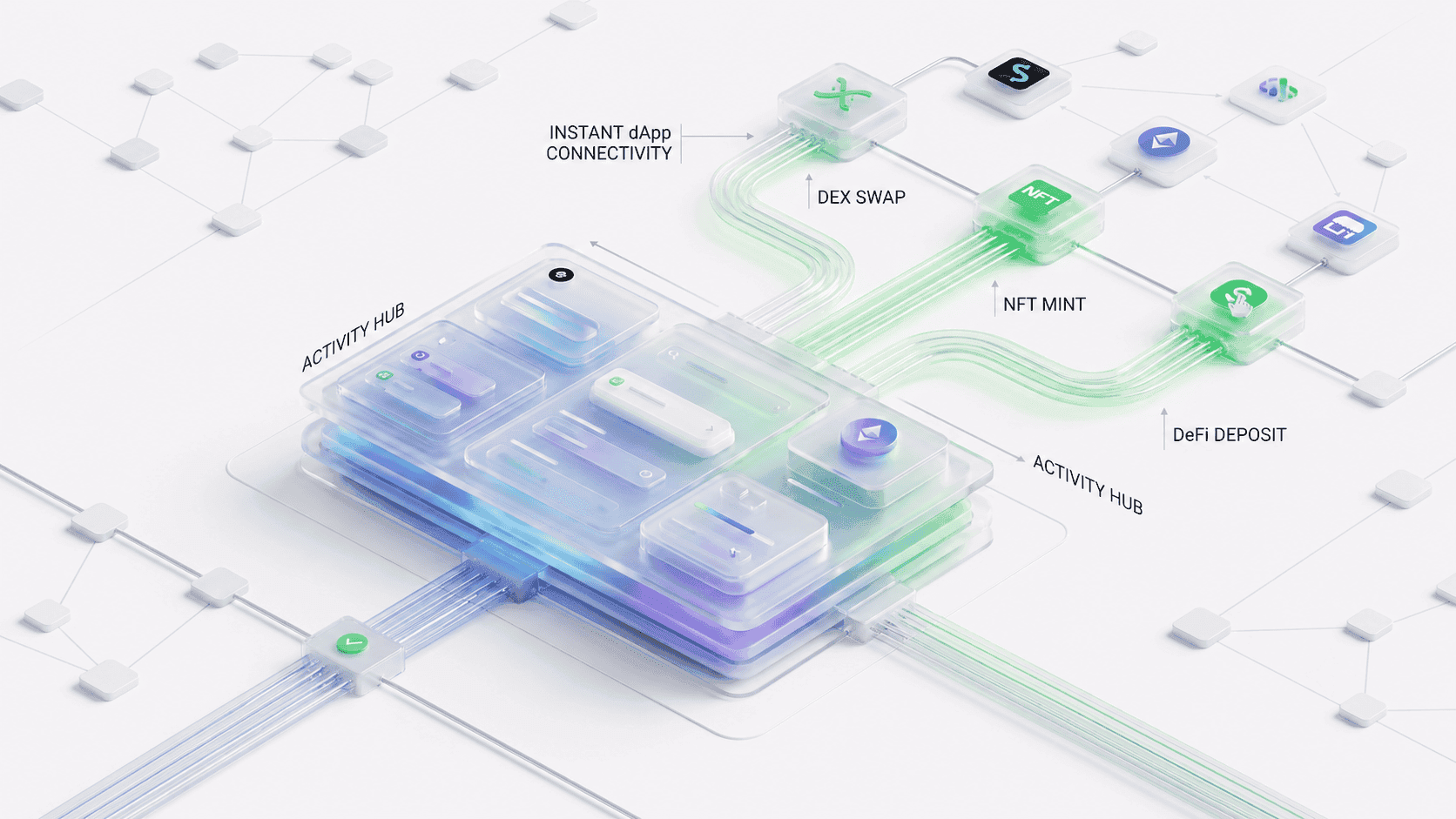
A browser wallet generates and stores your private keys locally on your device. When you connect to a dApp, the wallet signs transactions using your private key and broadcasts them to the network. The keys are encrypted and protected by a password, but they remain on your device, which is connected to the internet whenever the wallet is unlocked.
Some of the most widely used browser wallets include MetaMask for Ethereum and EVM chains, the Sui Wallet browser extension for Sui Network, and other popular options for Solana and multi‑chain support. Each offers unique features and supports different ecosystems. Your choice should match the networks you use most frequently.
A browser wallet is like a checking account – convenient for daily use, but not where you keep your life savings.
Hardware Wallet vs Browser Wallet – Key Differences and Security Comparison
The main difference between the two lies in where private keys are stored. In a hardware wallet, private keys are stored offline on a dedicated chip. In a browser wallet, private keys are stored on your device's hard drive, usually encrypted with a password. This makes browser wallets more vulnerable to malware, phishing, and other online threats. Wallet browser extensions store keys locally, but they are still exposed to the internet when you use them.
| Aspect | Hardware Wallet | Browser Wallet |
|---|---|---|
| Private key storage | Offline (on the device) | Online (on your computer) |
| Security level | Very high (immune to most online attacks) | Lower (vulnerable to malware and phishing) |
| Convenience | Requires physical connection | Instant access |
| Cost | Paid (device purchase) | Free |
| Best for | Long‑term storage, large amounts | Daily transactions, dApps, DeFi, NFTs |
| Recovery | Seed phrase | Seed phrase |
| Transaction speed | Slower (needs device connection) | Instant |
Hardware wallet crypto devices are considered more secure because private keys never touch the internet. Even if your computer is infected with keyloggers or screen‑capturing malware, the attacker cannot access your keys. Additionally, hardware wallets require physical confirmation for every transaction. You must press a button on the device to approve a transfer. This prevents remote attackers from draining your funds even if they gain access to your computer.
For those holding large amounts of bitcoin, hardware wallet solutions are often the recommended choice. The Ledger hardware wallet and Trezor models like the Trezor Safe 3 and Trezor Safe 5 are two of the most trusted brands.
A hardware wallet's offline key storage is its greatest strength. No internet connection means no remote attacks.
Browser crypto wallet extensions are convenient, but they come with risks: phishing attacks, malicious dApps, malware, extension vulnerabilities, and loss of device. Other popular extensions have built‑in security warnings, but they cannot protect you from all threats. The Coinbase Wallet browser extension also includes security features, but the risk remains higher than with a hardware wallet.
Choosing the Right Wallet for Your Needs
When to use a hardware wallet: A hardware wallet is recommended when you hold a significant amount of crypto, plan to store assets for months or years, want maximum protection against online threats, are not frequently transferring assets, or simply want peace of mind. Crypto wallet hardware devices are ideal for a "cold storage" strategy. You keep the bulk of your assets in the hardware wallet and only move small amounts to a browser wallet for daily use.
When to use a browser wallet: A browser wallet is the right choice when you interact with dApps, DeFi, or NFTs daily, need fast access to your funds, are comfortable with managing security risks, are testing new protocols or tokens, or want a free, easy‑to‑install solution. For anyone active in Web3, using a browser extension is essential. Without one, you cannot easily connect to decentralised applications.
Convenience and Beginner Recommendations
Browser wallets are significantly more convenient for daily transactions. You can connect to dApps instantly, swap tokens on decentralised exchanges, mint NFTs, participate in DeFi protocols, and manage multiple wallets with one click. Hardware wallets require you to connect the device, unlock it, and physically confirm each transaction. For active traders and DeFi users, Trust Wallet browser extension and similar tools make life much easier.
For beginners: If you are new to crypto and exploring, a browser wallet is a good starting point. It is free and easy to set up. If you are buying significant amounts, consider a hardware wallet early. Browser extensions are beginner‑friendly options. For hardware, the ledger hardware wallet is the most popular choice due to its ease of use and broad coin support.
Security Risks, Best Practices, and Common Mistakes
| Risk | Hardware Wallet | Browser Wallet |
|---|---|---|
| Phishing | Low (device confirms transaction details) | High (fake sites can trick you) |
| Malware | Very low (keys offline) | High (keyloggers, clipboard hijackers) |
| Physical theft | Medium (device can be stolen, but PIN protects it) | Low (if device is stolen, wallet may be unlocked) |
| Loss of seed phrase | High (if you lose it, funds are gone) | High (same risk) |
| Malicious dApps | Low (you confirm on device) | High (you can be tricked into signing) |
How to protect yourself: Always verify the transaction details on your hardware wallet screen. Never enter your seed phrase online. Use trusted browser extensions from official sources. Keep your hardware wallet in a safe place. Store your seed phrase offline (metal backup recommended).
Before choosing a wallet, consider these key questions: How much crypto do you hold? How often do you transact? Which blockchains do you use? Do you need dApp access? What is your budget? The available devices vary in price and features. Staying updated with the latest hardware wallet news can help you choose a device with the most recent security features.
Key considerations before buying a hardware wallet: Consider the device's supported coins, connection type, screen size, and price. Some models offer touchscreens for easier transaction verification, while others are more compact and affordable. Research the brand's reputation and security track record before making a purchase.
Common mistakes to avoid: Not backing up the seed phrase, storing it digitally, using the same seed phrase for multiple wallets, connecting to unknown dApps, keeping large amounts in a browser wallet, and ignoring firmware updates. Users of hardware wallets should update their device firmware regularly. Browser wallet users should keep extensions updated.
Why separate storage and activity wallets is a smart strategy: A common and recommended approach is to maintain two wallets. A hardware wallet (storage) holds the majority of your assets. A browser wallet (activity) holds a smaller amount for daily use. This limits your exposure. If your browser wallet is compromised, you only lose a small portion of your funds. It combines the crypto wallet browser convenience with the security of a dedicated hardware device.
The two‑wallet strategy: Your hardware wallet holds the majority of your assets — the funds you do not need to access regularly. Your browser wallet holds a smaller amount for daily use, such as trading, swapping, or interacting with dApps. Keeping up with browser wallet news helps you stay informed about the latest security updates and features for your daily‑use wallet.
How to set up the two‑wallet strategy: Start by purchasing a hardware wallet and setting it up with a new seed phrase. Transfer your long‑term holdings to this wallet. Then, install a browser wallet extension and use it for daily transactions. Only keep a small balance in the browser wallet — enough for your regular activities. While some users search for a Trezor Safe 7 hardware wallet, the actual Trezor models currently available are the Safe 3 and Safe 5.
Conclusion
Hardware wallets and browser wallets serve different purposes. Hardware wallets provide the highest level of security for long‑term storage and large amounts. Browser wallets offer the convenience and speed needed for daily Web3 interactions.
The best approach is not to choose one over the other but to use both. A hardware wallet for your savings and a browser wallet for your spending. This gives you security, convenience, and peace of mind.
Regardless of which wallet you choose, the most important rule remains the same. Always prioritise protecting your seed phrase, keep it offline and secure, and stay vigilant against phishing attempts and scams. No wallet can protect you if you compromise your own security.
Frequently Asked Questions

A Web3 OG who has navigated the industry’s evolution from whitepapers to widespread adoption. Having built through the euphoria of bull runs and the discipline of bear winters. Opinions are strictly personal, crafted from years of deep-dive research and hands-on experience in the trenches.